Savor: Video to 3D model tool
Demo video
What it is
Savor turns an ordinary video of an object into a 3D Gaussian splat: a photoreal capture you can orbit and zoom on screen. Walk a slow circle around something with your phone, feed Savor the video, and a minute or two later the object is floating in 3D, lifted out of whatever room it was sitting in.
I built a completely Mac-native version. Frames come out through AVFoundationApple's toolkit for pulling frames and audio out of video files on Mac and iPhone., the splat trains in MetalApple's graphics engine. Here it runs the 3D training on your Mac's GPU., cleanup uses VisionApple's computer-vision framework. It finds the subject in each frame so the room can be cut away., and RealityKitApple's 3D framework. It powers the viewer where you orbit and zoom the finished splat. handles the viewer. There's also a Windows/Linux version that wraps a third-party stack. Neither talks to a cloud.
This is a research preview and being updated. You can install it through the terminal further down.
The story
I love cyberpunk, especially the idea of braindances: stepping into a moment and looking around it. When I found Gaussian splatting, the cyberpunk reality felt closer than ever before.
There's this sculpture at the Legion of Honor: Rodin's Mighty Hand. I love it. I keep going back. Photos don't do it justice; it's a 3D sculpture. I wanted to capture it properly, so I walked a slow circle with my phone and tried to turn that clip into a Gaussian splat.
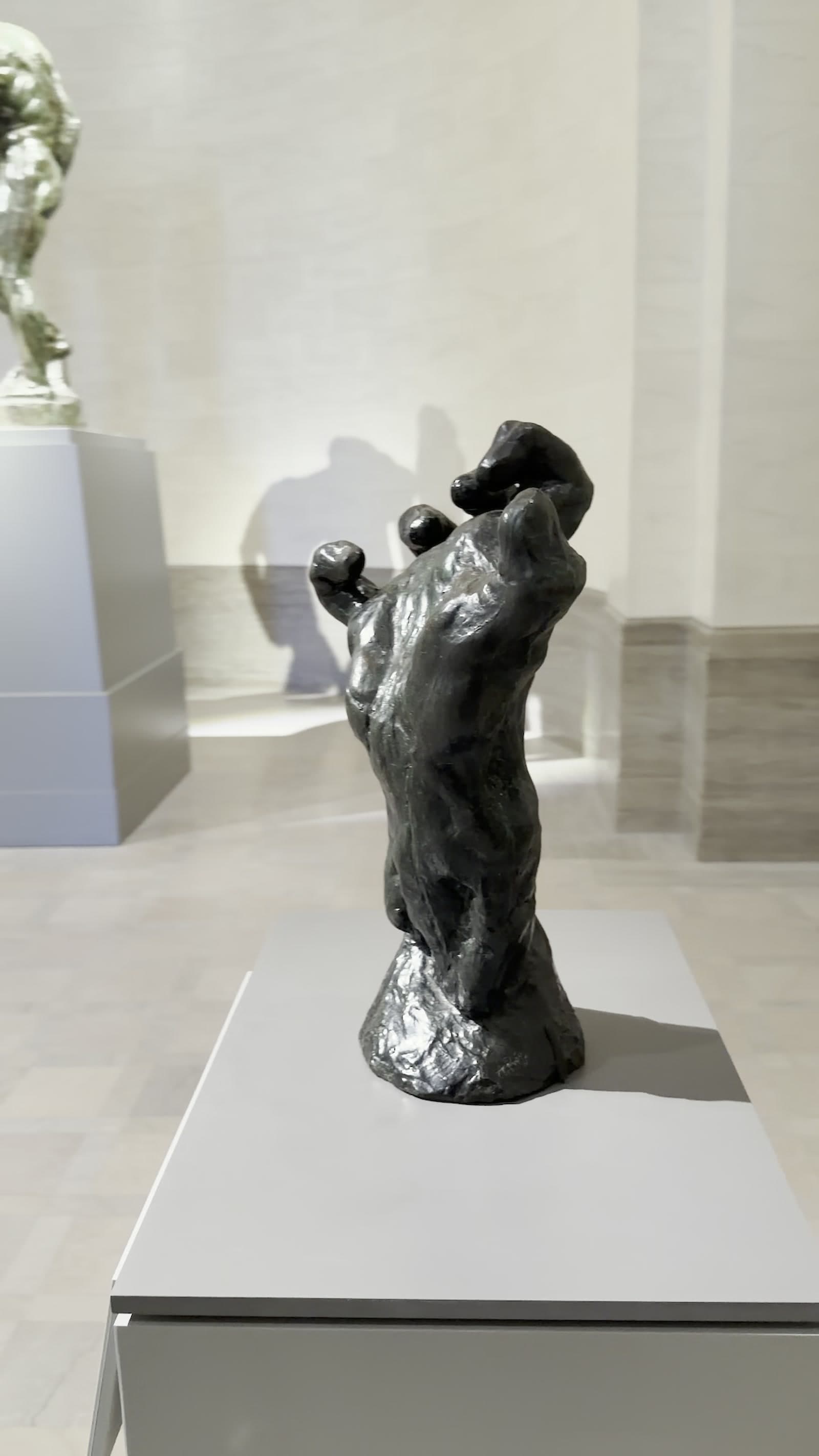
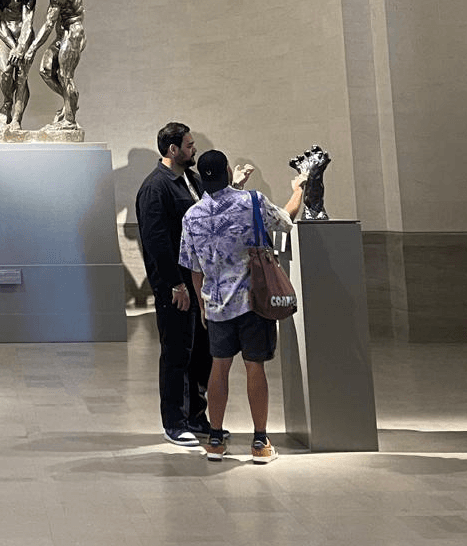
The annoying part wasn't the capture. It was everything after: separate installers, waiting on processors, then carving the hand out of the gallery in some other tool. I wired those steps into one app so I could stay in the loop of filming and looking.
Building it for real
Version one ran on my Windows PC with an RTX graphics card. It worked, but only if you also installed a bunch of other apps and tools (things like Postshot and Brush). I wrote a script to handle the cleanup automatically, so you weren't carving the object out by hand, and a capture could come back ready in a few minutes. Still, getting everything installed was a pain. One missing piece and the whole thing fell over.
Going fully native on Apple
I moved to an Apple-only stack because native means a much easier setup. Apple had already done a lot of the hard work in this area, and running the old third-party tools on Mac kept hitting dependency issues. A native stack also opens the door to an iPhone app later. So I started over: frame extraction, camera tracking, training, cleanup, and viewing all on-device. Three of the four pieces already ship in macOS; I wired them together and filled the gap with a Metal trainer.
The bug that taught the most
Cleaned mode was supposed to leave just the object. Instead, the whole gallery came along for the ride. The unlock: when you walk a circle around something, the subject sits inside that path. 43% of the 3D points were sitting outside it. That couldn't be the sculpture. It had to be the room. Later, VisionApple's computer-vision framework. It finds the subject in each frame so the room can be cut away. silhouettes from every angle finished cutting the rest away.
Installation
The Mac-native version runs from source. Copy the commands below into Terminal and press Enter. About ten minutes total.
What you need first
- A Mac with Apple Silicon (M1 or later).
- A recent version of macOS.
- Xcode from the App Store.
Install Xcode
Open the App Store, search for Xcode, and click Get. When it finishes, open it once, accept the license, then close it.
Open Terminal
Press ⌘ + Space, type Terminal, and press Enter.
Get the project
Paste this into Terminal and press Enter:
git clone https://github.com/hridaew/savor-native.gitFirst time using git, macOS may ask to install command line developer tools. Click Install, wait, then run the line again.
Go into the folder
cd savor-nativeRun it
swift run -c release savor-nativeThe first build takes several minutes. Lots of text will scroll by; that's normal. When it finishes, the Savor window opens on its own. Later launches are nearly instant.
Using it
- Drag a video onto the window, or click New capture to pick one.
- Film a slow, full circle around one object. Keep it centered, filling about half the frame, in even light. Tips live behind the ? button.
- Watch it train. The splat sharpens as it goes. Hit Finish Now if the preview already looks good enough.
- Drag to orbit, scroll to zoom. Switch between Cleaned (just the object) and Unfiltered (raw capture). Export a still, a spinning video, or the 3D file.
Thanks!
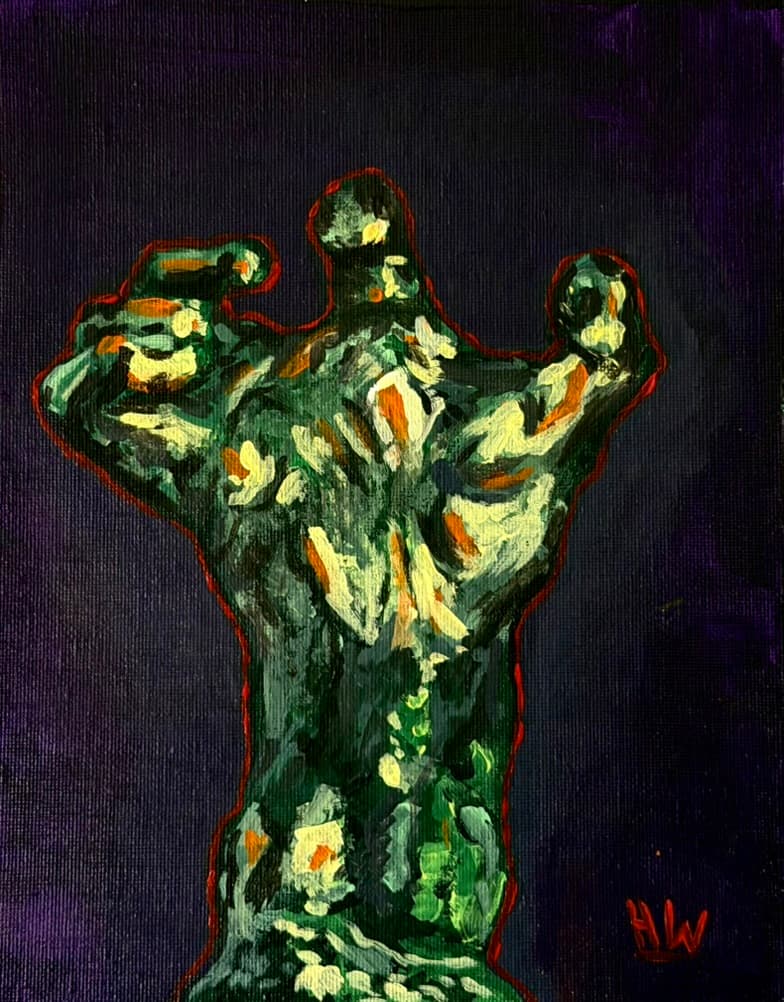
Acrylic painting of Rodin's Mighty Hand, by me.